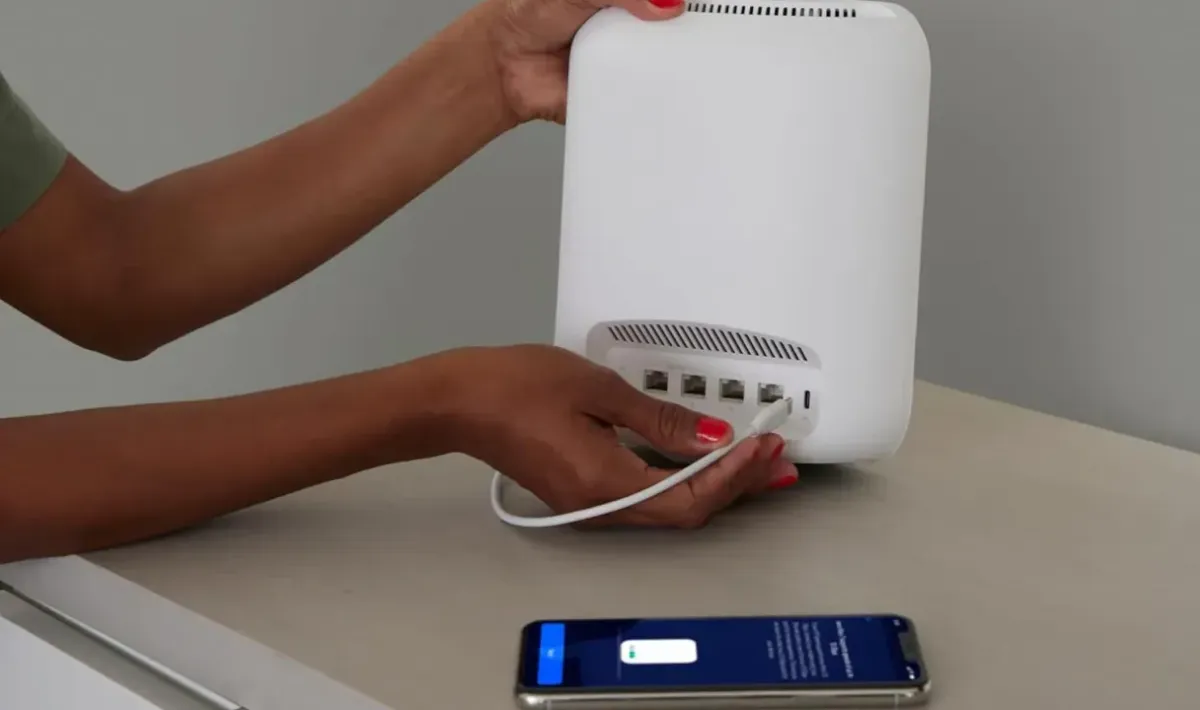
Fix WiFi Dead Zones in St Albans Homes
Home WiFi, St Albans
How to Fix WiFi Dead Zones in Your Home in St Albans
If parts of your St Albans home suffer from weak or non‑existent WiFi, you are not alone. This educational guide walks you through practical, step‑by‑step ways to find and fix WiFi dead zones so your whole household can stay connected.
What Is a WiFi Dead Zone?
A WiFi dead zone is any area in your home where your wireless signal is so weak that devices struggle to connect, web pages time out, or streaming buffers constantly. In St Albans homes, dead zones often appear:
In loft conversions or top‑floor bedrooms
In garden offices and outbuildings popular with remote workers
Behind thick brick walls or around extensions on older properties
Step 1: Map the Dead Zones in Your Home
Before you can fix a problem, you need to see it clearly. Walk around your home with a smartphone, tablet, or laptop and test your WiFi in every room, including the garden and loft. Use your device’s WiFi indicator or a free WiFi‑analyser app to note where the signal drops or disappears entirely.
💡 Pro Tip: Test at the times you usually notice issues, such as evenings when everyone in the house is online. Congestion can make weak spots much more obvious.
Step 2: Start with Your Router’s Position
Many WiFi dead zones in St Albans homes are caused by a poorly placed router. Broadband equipment is often left wherever the engineer first installed it, which might be in a hallway cupboard or behind the TV. For better coverage:
Move the router to a more central, open location on the main floor
Keep it off the floor and away from thick brick or concrete walls
Avoid placing it next to large metal objects, TVs, or fridges that can block or reflect the signal
After repositioning, repeat your walk‑around test. You may find that some dead zones shrink or disappear without any extra equipment.
Step 3: Reduce Interference from Other Devices
Everyday household items can interfere with WiFi. In busy St Albans neighbourhoods, you are also competing with neighbours’ routers. To minimise interference:
Keep the router away from cordless phones, baby monitors, and microwaves
Log in to your router and ensure you are using both 2.4 GHz and 5 GHz bands if available
Enable “auto channel” or choose a less crowded WiFi channel if your router offers that option
Step 4: Use Extenders, Powerline, or Mesh for Stubborn Dead Zones
If you still have dead zones after optimising placement and reducing interference, it is time to boost your network. The best option depends on the size and layout of your St Albans property.
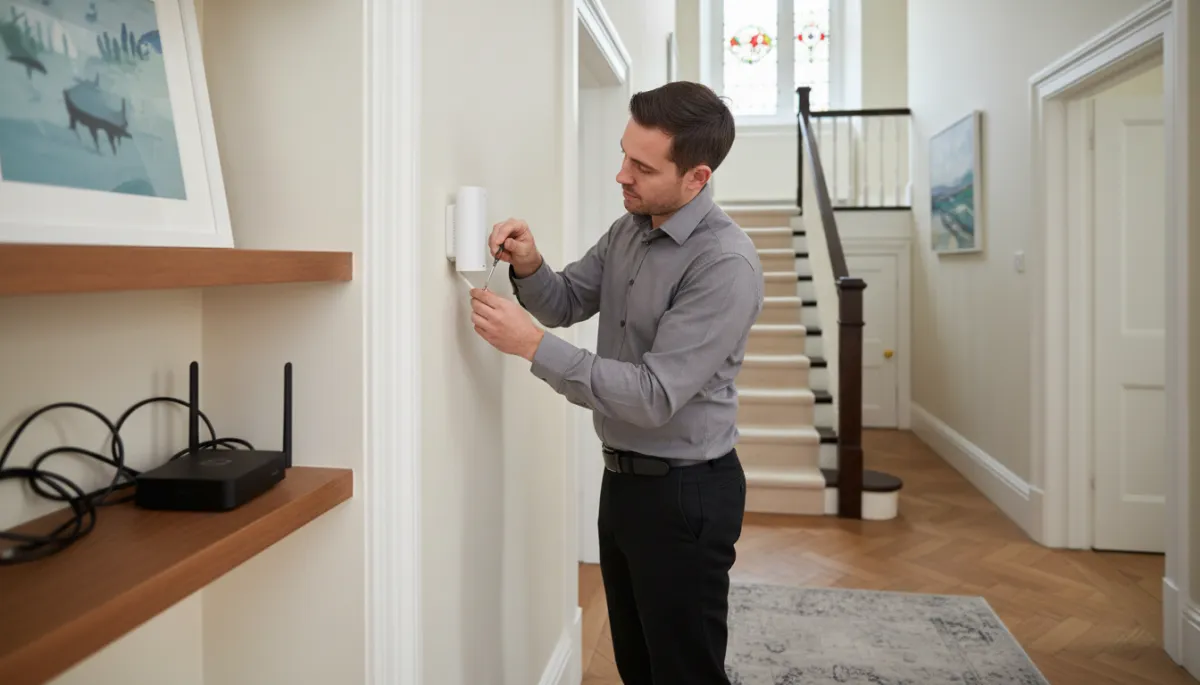
Mesh WiFi systems create overlapping coverage, eliminating dead spots in larger homes.
WiFi Range Extenders
A range extender picks up your existing WiFi signal and rebroadcasts it. Place it roughly halfway between your router and the dead zone, where the signal is still reasonably strong. This is a budget‑friendly option for reaching a single problem room, such as a back bedroom or small garden office.
Powerline Adapters
Powerline kits use your home’s electrical wiring to carry network data. One adapter plugs in near your router; another goes in the room with poor coverage. Some models provide wired Ethernet only, while others create a new WiFi hotspot in that room. They work particularly well in solid‑walled St Albans houses where wireless signals struggle to travel between floors.
Mesh WiFi Systems
For larger or extended properties, a mesh system is often the most reliable solution. Several small WiFi nodes work together to create a single, strong network. You place nodes on different floors or at each end of the house, ensuring seamless coverage as you move around. This is ideal for townhouses, period homes that have been extended, or properties with home offices at the far end of the garden.
Step 5: Check Your Broadband Speed and Equipment Age
Sometimes what looks like a dead zone is actually slow broadband or an outdated router. Run a speed test near the router and compare it with the speeds you get in problem rooms. If speeds are poor everywhere, you may need to:
Upgrade your broadband package to fibre if it is available in your part of St Albans
Ask your provider for a newer router or purchase a modern, dual‑band router yourself
When to Call in Local Help
If you have tried repositioning, interference checks, and extra hardware but still battle dead zones, a local WiFi specialist in St Albans can survey your home, measure signal strength professionally, and recommend a tailored setup. This is especially useful for complex layouts, thick‑walled period properties, or homes combining business and family use.
Bringing Reliable WiFi to Every Room
Fixing WiFi dead zones in your St Albans home is a step‑by‑step process: identify weak areas, optimise your router, reduce interference, and then use extenders, powerline, or mesh where needed. With a little planning and the right equipment, you can enjoy strong, reliable WiFi in every room, from the front lounge to the garden office.


