
Professional Audio Visual Installations in Stevenage, Hertfordshire & North London
That Just Work
We design and install bespoke AV, Wi-Fi, and home cinema systems for homeowners and builders who want reliable performance, clean finishes, and zero stress.

Free
Site Visit Available
Local
Business Serving Stevenage and Sourounding Areas
Emergency
Call Outs Available
Our Services
Audio-Visual Services
TV Wall Mounting
Clean, professional TV installations with hidden cabling for a sleek, finished look.
Home Cinema Installations
Bespoke home cinema systems designed for immersive sound and picture.
Multi-Room Audio
High-quality audio throughout your home, seamlessly and discreetly installed.
Networking & Wi-Fi Solutions
Reliable, fast Wi-Fi coverage designed to eliminate dead spots.
Smart Home Integration
Simple, intuitive control of your home’s technology in one system.
Builder & Developer AV Services
Professional AV installations tailored to residential build projects.
AV Should Make Life Easier
Not More Complicated
Choosing the right audio-visual setup can be overwhelming. Too many options. Too much jargon. And too many installations that look messy or don’t work properly.
And frankly, your home deserves better than a rushed or one-size-fits-all solution.
You shouldn’t have to worry about visible cables, unreliable Wi-Fi, or systems that are hard to use.
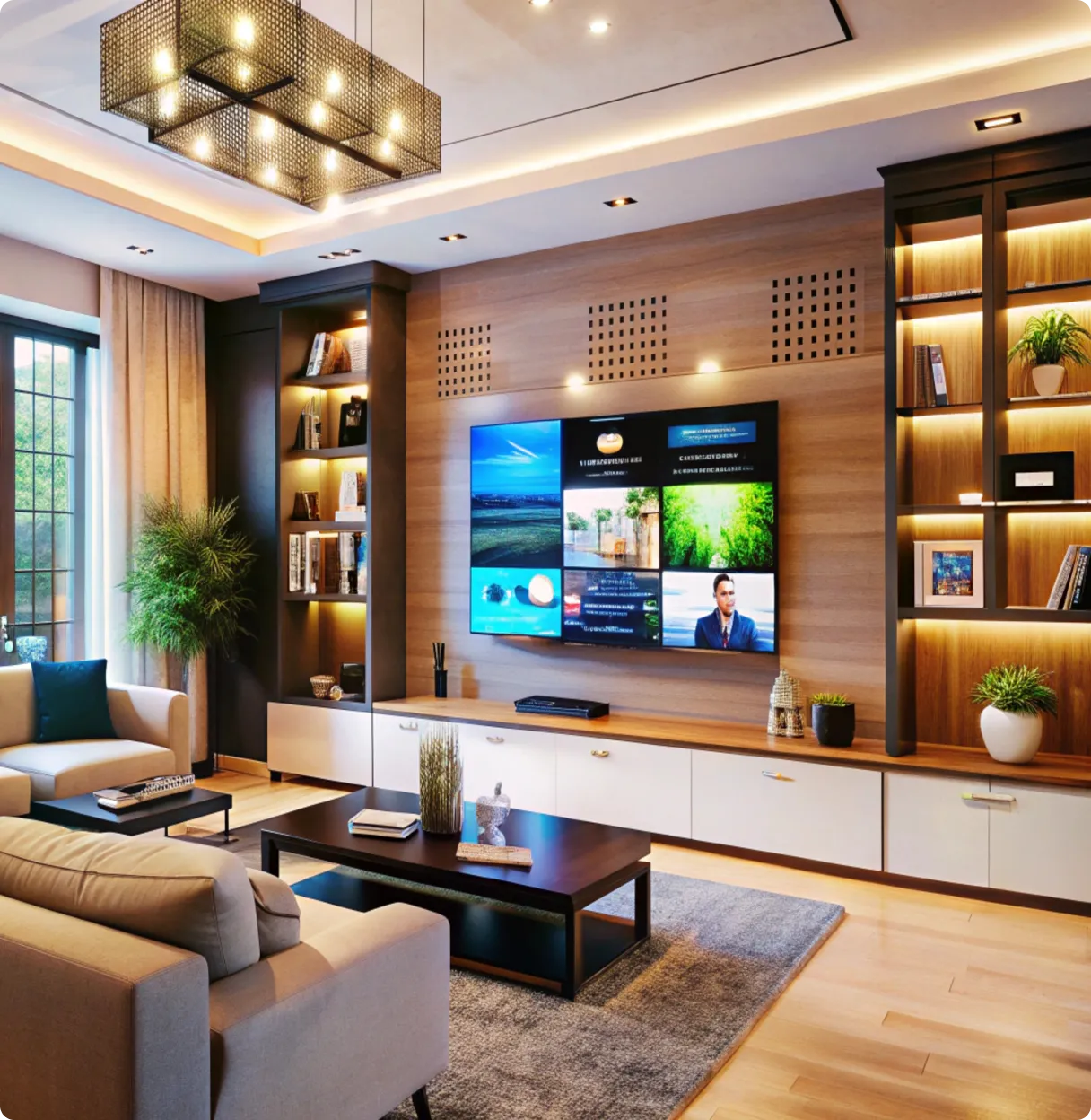
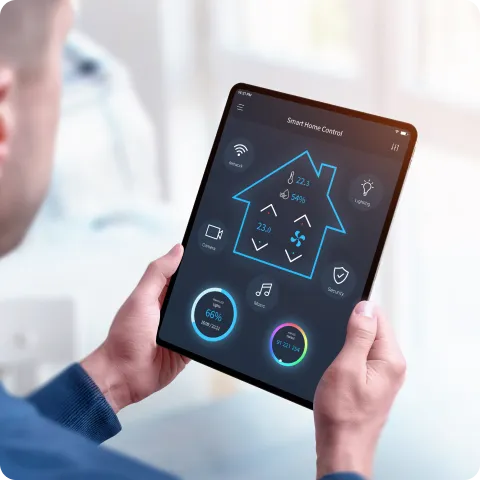
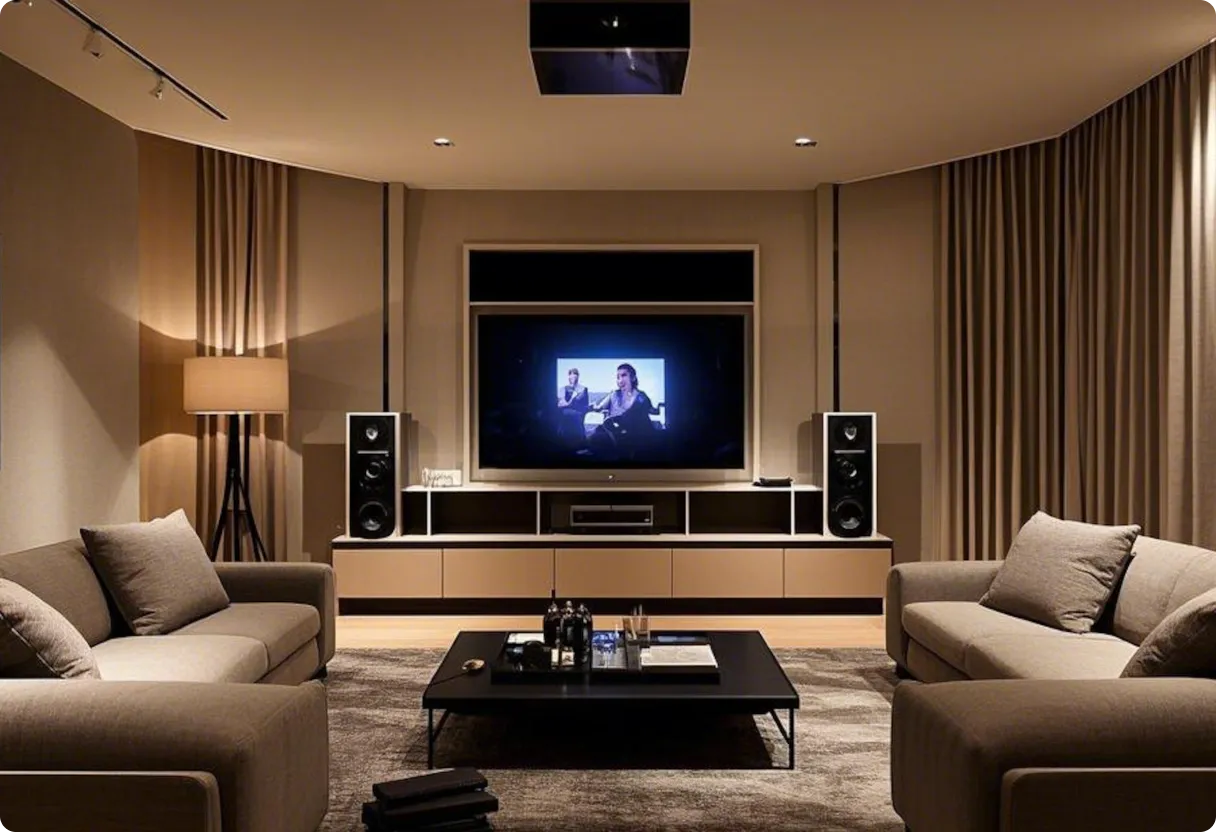

You’re in Safe Hands with
Abbey Audio Visual
At Abbey Audio Visual, we understand how important it is to get things right the first time. That’s why we take a consultative, hands-on approach to every project.
With years of experience working with homeowners and builders, we design tailored AV solutions that look great, perform flawlessly, and fit seamlessly into your space.
Professional planning
Clear communication
Clean, high-quality installations
A Simple
Stress-Free Process
1.
Talk to Us
Tell us about your home, project, and goals.
2.
We Design Your Solution
We plan a bespoke AV setup tailored to your space, lifestyle, and budget.
3.
Professional Installation
We install everything neatly, test thoroughly, and make sure it’s easy to use.
Ready to Upgrade Your Home’s AV?
Whether you’re renovating, building, or simply upgrading your current setup, we’re here to help you make the right choices with confidence.
Areas We Cover
Your Local AV Experts in Hertfordshire & North London
At Abbey Audio Visual, "local" means being right where you need us. We proudly serve homeowners, builders, and developers across the region, providing prompt site visits and reliable, expert service
Stevenage
Hitchin
St. Albans
Bishop’s Stortford
Royston
Ware
North London (All Boroughs)
Hertfordshire (All Towns & Villages)

Avoid Costly
Mistakes and Frustrating Setups
Without professional guidance, it’s easy to end up with:

Poor sound or picture quality

Unreliable Wi-Fi coverage

Visible cables and messy installs

Systems that are difficult to use or upgrade
We help you avoid these problems — saving you time, money, and stress.
Enjoy Technology
That Fits Your Home Perfectly
Imagine a home where your TV, sound system, and Wi-Fi all work seamlessly — without clutter or confusion.
With Abbey Audio Visual, you get:
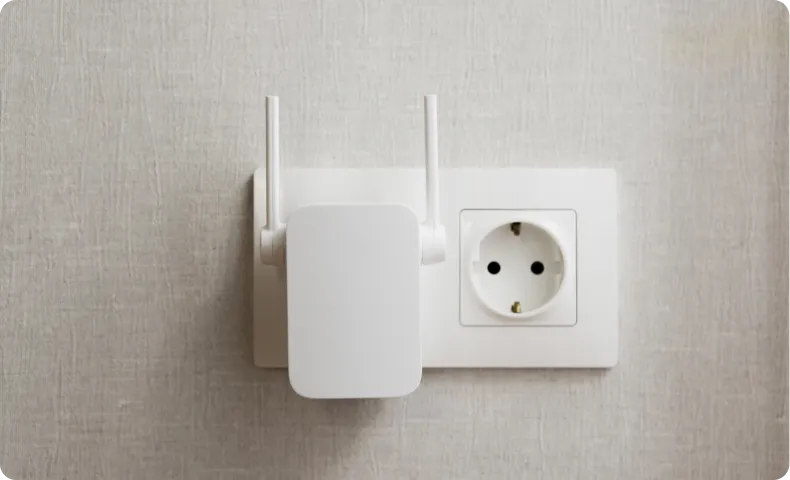
Clean, discreet installations
Neatly installed systems with hidden cabling that blend seamlessly into your home.

Simple, easy-to-use systems
Technology designed to be intuitive and effortless for everyday use.

Reliable performance designed to last
Neatly installed systems with hidden cabling that blend seamlessly into your home.
Trusted Installations
Homeowners and builders who demand quality
Let’s Plan Your AV the Right Way
Imagine a home where your TV, sound system, and Wi-Fi all work seamlessly — without clutter or confusion.

Fix Slow WiFi: Causes and Solutions Explained
Technology, Home WiFi
Why Your WiFi Is Slow and How to Fix It Properly
If your WiFi feels sluggish, buffers at the worst moments, or drops out when everyone’s online, you’re not alone. Understanding why it happens is the first step to fixing it properly—without wasting money on random gadgets you don’t need.
1. Why Your WiFi Is Slow
Slow WiFi usually isn’t caused by a single issue. It’s more like traffic on a busy road: too many cars, narrow lanes, and the occasional accident all combine to slow everything down. Here are the most common culprits.
Your internet plan is the real bottleneck
WiFi can only be as fast as the connection coming into your home. If you pay for a 50 Mbps plan but have four people streaming HD video, joining video calls, and gaming at once, you’ll hit the limit quickly. Many people blame the router when the problem is actually the internet speed you’re subscribed to.
Weak signal and bad router placement
WiFi uses radio waves, and those waves hate obstacles. Thick walls, floors, metal appliances, aquariums, and even mirrors can weaken your signal. Tucking your router in a cabinet, behind a TV, or in the basement almost guarantees dead zones and slow speeds in far rooms.
Congested WiFi channels and neighbor interference
In apartments or dense neighborhoods, dozens of routers may be broadcasting on the same channels. When that happens, they “talk over” each other, slowing everyone down. Older 2.4 GHz networks are especially crowded, because many devices—baby monitors, smart plugs, cordless phones—compete there too.
Too many devices and background apps
Phones syncing photos, consoles downloading updates, smart TVs streaming in the background—these all quietly eat bandwidth. The more devices connected, the more your router has to juggle, and the slower each one can feel, especially during busy evening hours.
Old or overloaded equipment
Routers don’t last forever. Older models may not support modern WiFi standards, faster speeds, or lots of devices at once. A cheap router provided years ago by your internet company may struggle badly with today’s streaming, smart home, and work-from-home demands.
Software issues, malware, or outdated devices
Sometimes the WiFi isn’t slow—your device is. Outdated operating systems, old network drivers, malware, or too many apps running at once can make even a good connection feel painfully slow on a particular laptop or phone.
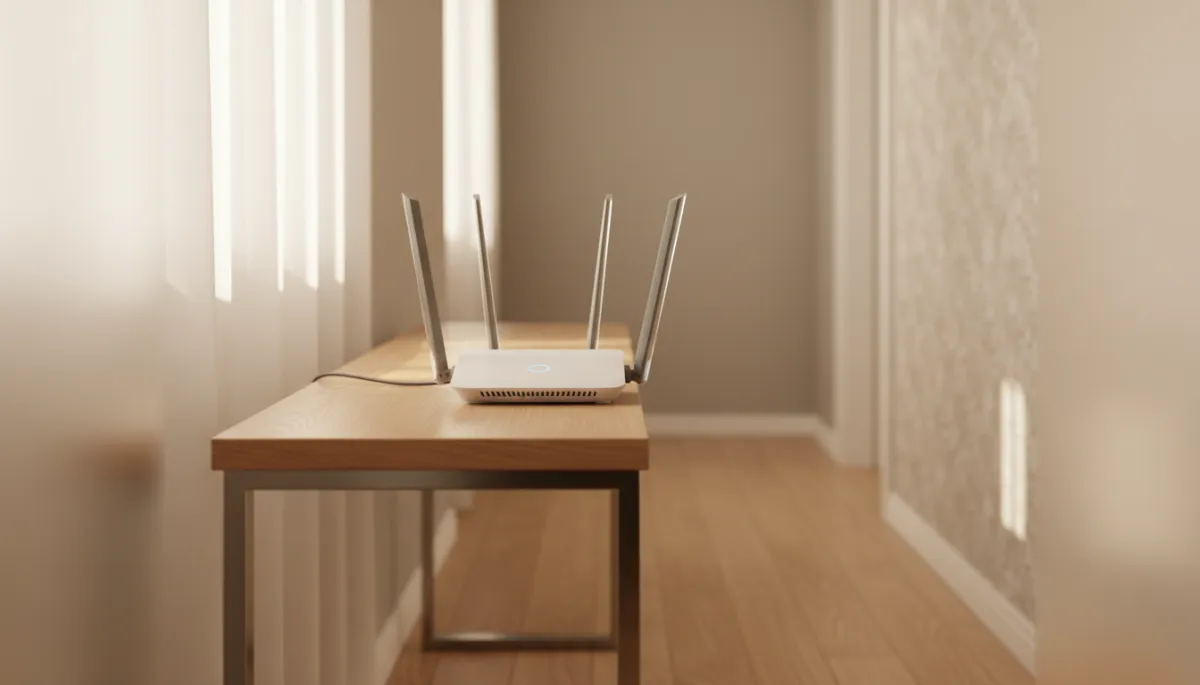
Simply moving your router to a central, open spot can noticeably improve coverage.
2. How to Fix It Properly (Step by Step)
Instead of randomly rebooting things and hoping for the best, follow this simple, structured approach. It helps you identify the real problem and fix it in the right order—often without calling your provider.
Step 1: Test your actual internet speed
Start by checking whether you’re getting the speed you pay for:
Connect a laptop directly to your modem with an Ethernet cable, if possible.
Run a speed test using a reputable site or app.
Compare the result to your plan’s advertised download and upload speeds.
If speeds are far below what you’re paying for, even over a cable, the issue is likely with your provider or line. That’s when contacting your ISP makes sense.
💡 Pro Tip: Run several tests at different times of day. Evening slowdowns often point to congestion on your provider’s network.
Step 2: Reposition and tidy up your WiFi network
If your incoming speed is fine, focus on WiFi coverage:
Place the router in a central, elevated, open location—ideally in the middle of your home, not hidden in a corner or cupboard.
Keep it away from large metal objects, thick brick walls, and big appliances like fridges or microwaves.
If your router has antennas, angle a couple vertically and one horizontally to help cover both floors and long hallways.
Step 3: Use the right WiFi band and reduce interference
Most modern routers broadcast two main bands: 2.4 GHz and 5 GHz.
2.4 GHz travels farther but is slower and more crowded.
5 GHz is faster with less interference but has a shorter range.
Connect devices that need speed—like TVs, laptops, and consoles—to the 5 GHz network when they’re within range. Use 2.4 GHz for smart plugs, older phones, and devices farther away. In your router’s settings, you can also change to a less crowded channel or let the router automatically pick the best one.
Step 4: Limit bandwidth hogs and secure your network
Check for devices or apps quietly consuming data:
Pause large downloads or game updates when others are on video calls or streaming.
Close unused streaming tabs and cloud backup apps on laptops and phones.
Make sure your WiFi has a strong password so neighbors or strangers aren’t using your connection.
Step 5: Update, reboot, or replace outdated hardware
A quick reboot can clear temporary glitches, but for a lasting fix:
Log in to your router’s admin page and install any available firmware updates.
Update network drivers and operating systems on your main devices.
If your router is more than five years old, consider upgrading to a modern dual-band or mesh system—especially in larger homes.
📌 Key Takeaway: Fix WiFi issues in order—check your plan, improve placement, optimise settings, then upgrade hardware only if you truly need to.
Final Thoughts
Slow WiFi doesn’t have to be a mystery or a constant frustration. Once you understand why it’s slow—whether it’s your plan, your router, interference, or overloaded devices—you can take clear, practical steps to fix it properly. Start with simple changes like better placement and band selection, then move on to settings and hardware upgrades only if they’re truly needed. Your next movie night or video call will thank you.

FAQs
Everything you need to know about achieving a flawless, wire-free installation and reliable home connectivity.
Will I see any messy wires once the installation is finished?
No. Our core philosophy is the "hidden finish." We specialize in meticulous cable management, using in-wall channeling and discreet routing to ensure that the only thing you see is your high-quality hardware. We believe technology should enhance your home’s aesthetic, not clutter it.
Can you help me if I’ve already bought my own equipment?
Absolutely. While we can supply high-spec AV hardware, we are more than happy to provide a "professional-only" installation service for equipment you already own. We’ll ensure your existing TV, soundbar, or networking gear is integrated perfectly and performing at its absolute best.
I have "dead zones" in my Wi-Fi; can you fix this permanently?
Yes. We don't just use basic boosters that often fail. We design a robust networking plan using Mesh Wi-Fi systems or hardwired access points. We also specialize in Starlink installations for rural areas, ensuring you have seamless, high-speed connectivity in every corner of your property.
Do you work with builders and interior designers on renovations?
Yes, we frequently collaborate with trade professionals. The best time to contact us is during the "first-fix" stage of a renovation. This allows us to run all necessary cabling behind the walls before plastering, ensuring a completely seamless and future-proof result for the homeowner.
What areas do you cover for your AV services?
We are your local experts based in the heart of the community. We primarily serve residential and commercial clients across Hertfordshire, North London, and the surrounding areas. Being local allows us to provide a more personalised, responsive service than national retailers.
Still have questions?
We’re here to help. Get in touch for a quick chat about your specific project.
At Abbey Audio Visual, we understand that every project is unique. That’s why we take the time to understand your specific needs, from the initial consultation to the final installation.
Phone


© 2026 Abbey Audio Visual. All rights reserved. Website Created By Elevate Media